

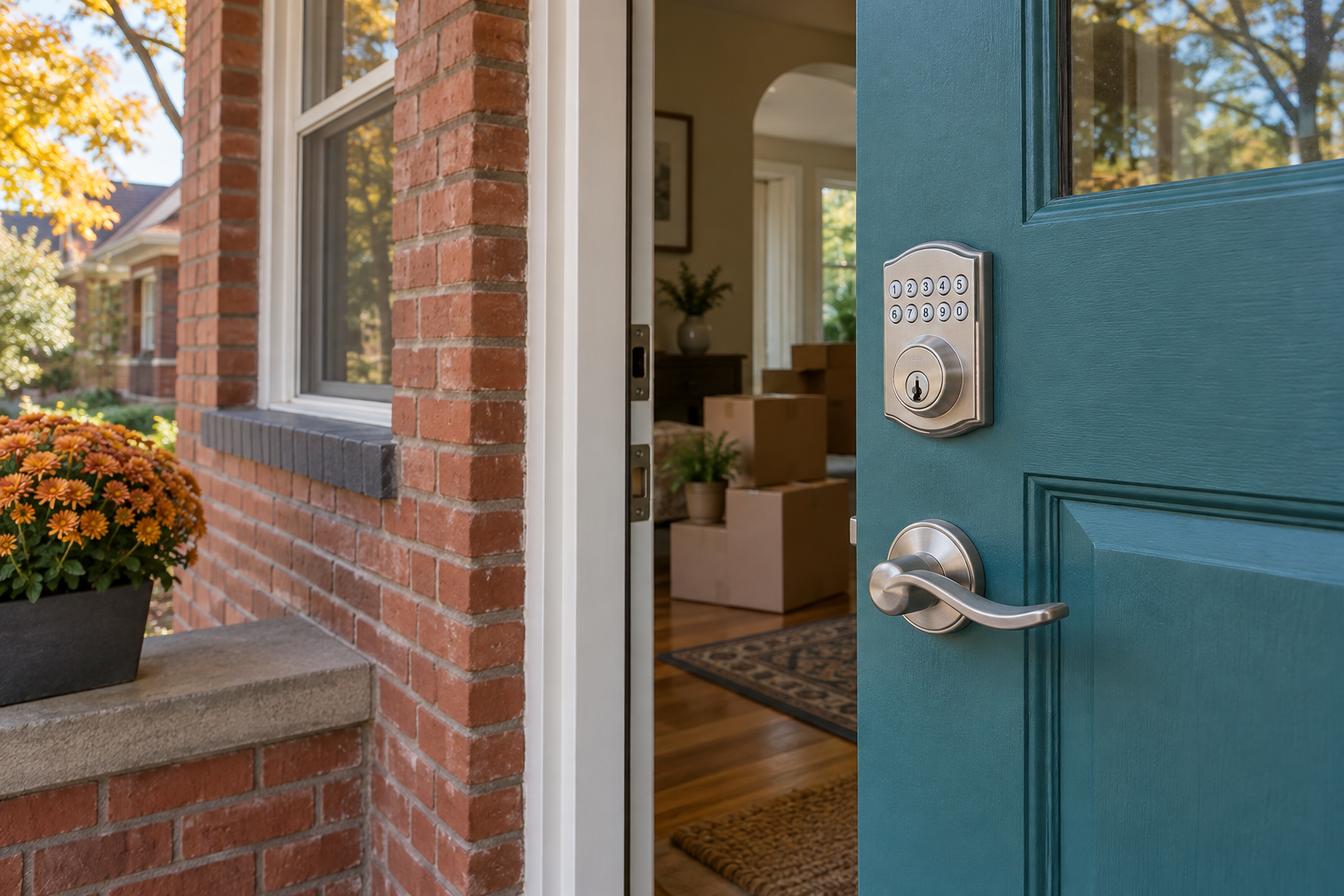
If you bought a Denver home with a smart lock, changing the front-door code is only part of the handover. Confirm who owns the lock in its app, remove previous users, follow the exact model’s reset instructions, and deal separately with any mechanical backup key. Test every access method before depending on the lock.
The seller may hand over two keys and a working PIN while a dog walker’s code, a connected home account, or an old guest invitation remains in place. None of that is obvious from looking at the door. A lock that opens for you has not necessarily stopped opening for someone else.
This smart lock reset checklist for Denver homebuyers separates the digital handover from the hardware work. It applies after you have possession and authority to change the lock. For a rented or managed property, coordinate changes with the owner or property manager first.
What to collect before resetting an inherited smart lock
Start while the seller is still reachable. A short handover now is easier than sorting out an account-registration problem after moving day.
- Identify the exact lock. Record the brand and model, including any separate keypad, bridge or hub. Similar-looking locks can use different apps and reset procedures.
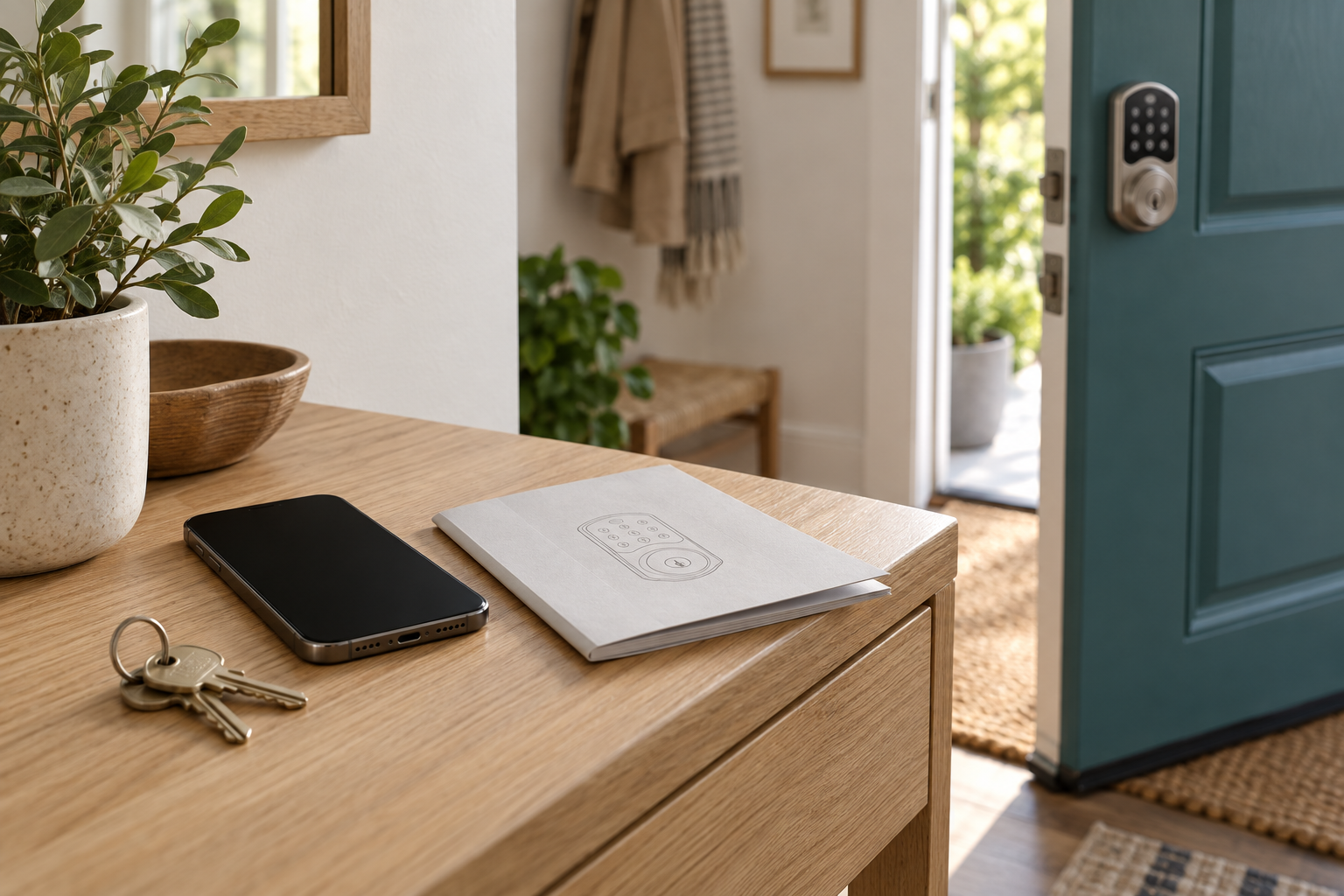
- Get the setup materials. Ask for the manual, setup card and all physical keys. Store programming codes and QR setup labels privately; do not post them in a public photo.
- Arrange the account transfer. Ask the seller to follow the manufacturer’s process for removing or transferring the lock. Being invited as a guest is not the same as becoming its owner.
- List connected services. Ask whether the lock is connected to a smart-home platform, an alarm system, a rental-management service or another household account.
- Keep a reliable way inside. Have an authorized adult inside or another verified entrance available while you set up and test the lock. Do not start with everyone outside and the only door locked.
A missing programming card is a reason to check the manufacturer’s instructions before pressing reset. Some models restore default codes that you will need to finish setup. There is no single reset sequence that works safely for every brand.
A new PIN, an ownership transfer and a rekey solve different problems
Think of the handover as three separate checks: who can operate the electronics, who can administer the account, and which physical keys still turn the cylinder. Completing one check does not prove that the others are finished.
| Action | What it addresses | What still needs checking |
|---|---|---|
| Change an entry PIN | The code you changed | Other codes, app users, integrations and physical keys |
| Transfer or remove the old owner account | Administrative control, according to the manufacturer’s process | Stored credentials, connected platforms and backup keys |
| Factory-reset the lock | The settings and credentials specified in that model’s manual | Cloud registration, default codes and mechanical access |
| Rekey a compatible cylinder | Which mechanical key operates that cylinder | PINs, app permissions and electronic credentials |
| Replace the lock | The old lock hardware and its access methods | Secure setup of the replacement and removal of obsolete integrations |
Do not assume that disconnecting the seller’s Wi-Fi completes an ownership transfer. Local keypad credentials may still work, and cloud registration is a separate issue. Check the user list and account status in the correct app.
How to take control of the smart lock account
Use your own account and an email address you control. Follow the manufacturer’s transfer and reset instructions for your exact model, then confirm that you have owner or administrator privileges. If the app says the device belongs to someone else, use its official ownership-recovery process. A locksmith cannot promise to override a manufacturer’s account restrictions.
Once the handover is complete, review every user and code. Remove access that no longer belongs, create individual credentials for household members, and give movers or contractors temporary access only when the model supports it. Set an end time and check that it has taken effect after the work is done.
Review connected home platforms separately. Check household members, hubs, automations and any digital keys supported by the lock. A reset in one app should not be treated as proof that every connected service has been cleared. Use a unique account password, enable multifactor authentication if available, and install manufacturer-supported updates.
Why the backup key still matters after a factory reset
A software reset does not change a mechanical key cylinder. If the smart lock has a keyway, a previous physical key can still operate that cylinder until compatible hardware is rekeyed or replaced. A retrofit smart lock that turns an existing deadbolt may leave the original exterior cylinder in place.
Have the cylinder checked before assuming the entire smart lock needs replacing. Our lock rekeying service addresses compatible mechanical locks; the correct approach depends on the hardware and its condition. Key-free models have no cylinder to rekey, so their account handover and approved backup-power procedure deserve particular attention.
If you are also deciding what to do with the home’s conventional door locks, our guide to when rekeying makes sense in Denver covers that separate decision. Keep a record of which new key operates each door and who receives a copy.
Test the door before you leave the house
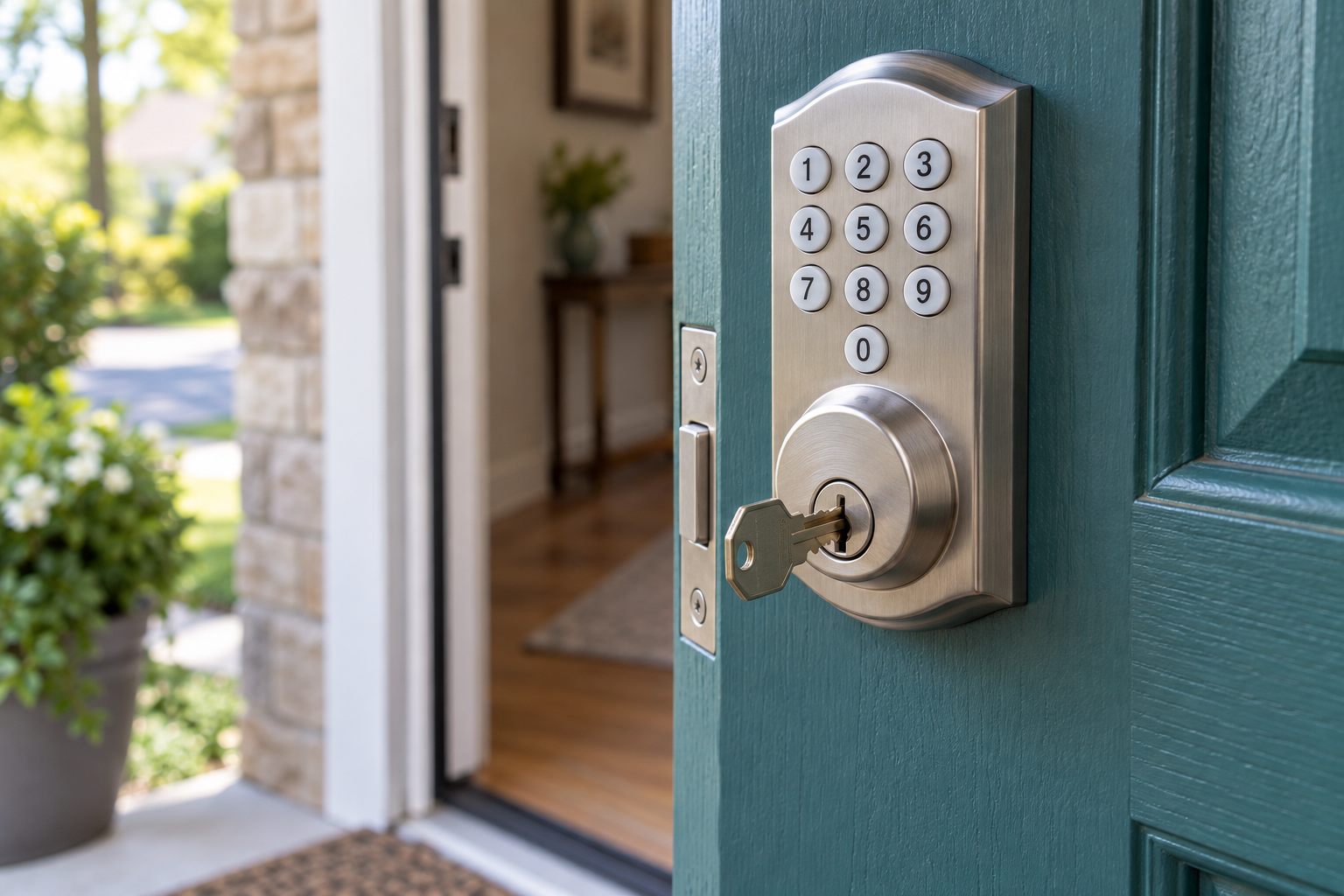
Begin with the door open, following the manufacturer’s setup and calibration instructions. Check the interior thumbturn, new entry codes and the backup method. Retract the bolt before closing the door. Then test with the door closed while someone remains inside or another verified entrance is available.
The bolt should move without needing you to lift, push or pull hard on the door. A motor that strains or a bolt that rubs needs attention. Do not keep running the motor against an obstruction or assume a different battery will fix a door-alignment problem.
- Confirm normal entry: each intended household credential works.
- Confirm revoked access: a known old PIN no longer works after removal. This test does not prove that unknown credentials are gone; complete the full user and account review too.
- Check the physical door: the latch engages and the deadbolt seats properly.
- Check notifications: if supported, confirm which events the app actually reports.
- Check backup access: locate the new mechanical key or the manufacturer-approved emergency-power instructions before you need them.
- Review auto-lock: choose a setting that suits your household, then test it without risking a lockout.
A displayed “locked” status may report the bolt position rather than confirm that the door is closed. Door-position sensing depends on the product and setup. Read the model’s instructions and physically check the door instead of relying on a status icon alone.
What Denver homebuyers should check beyond the keypad
Walk every entrance, including a back door, garage-to-house door and any detached garage. Changing the front-door credentials leaves those other entrances unchanged. For a condo or townhome, establish which hardware is yours to alter and which belongs to a shared building system before scheduling work.
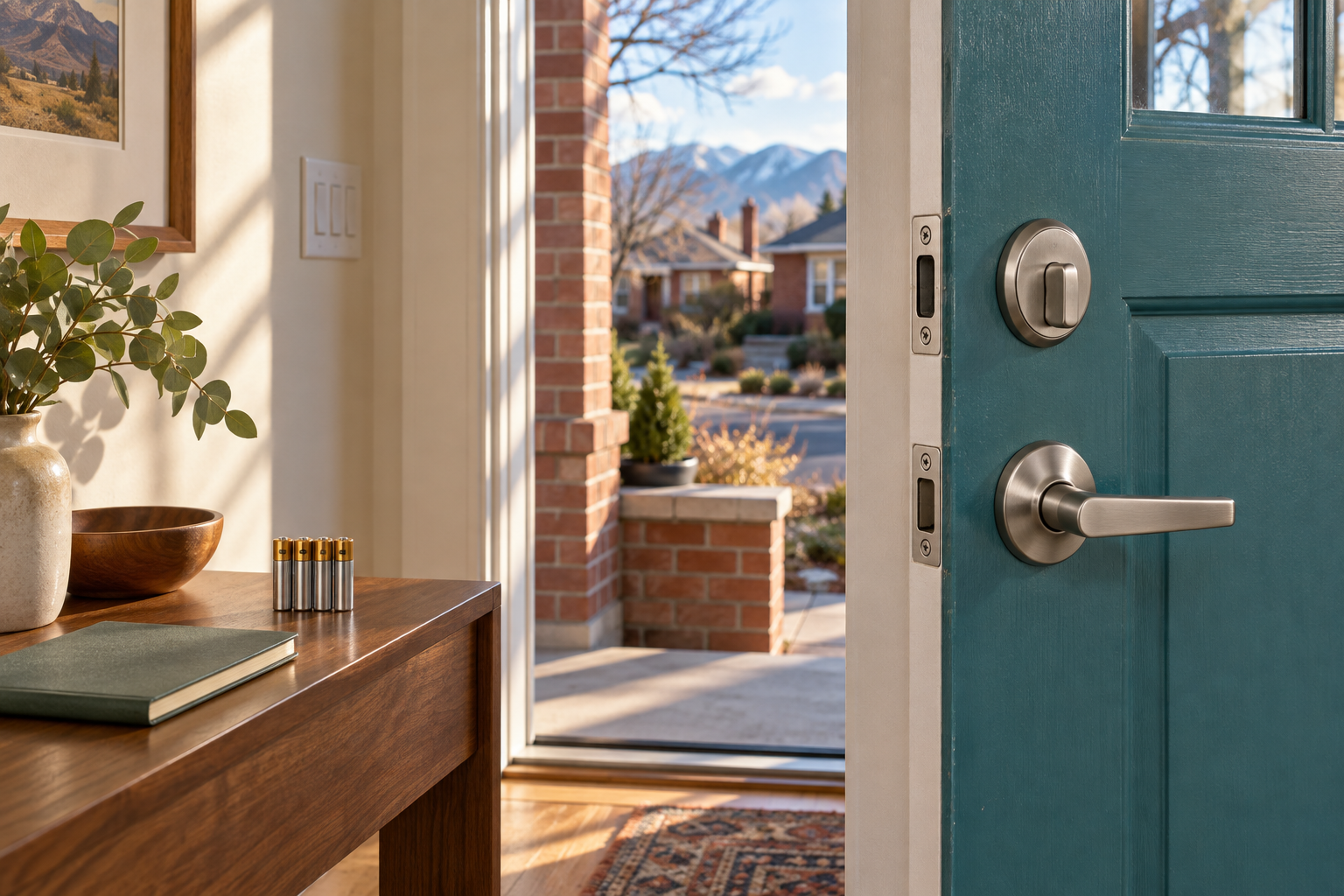
Denver’s seasonal conditions also make the installation details worth checking. Compare the lock’s published operating range and weather-exposure limits with the actual doorway. Follow the specified battery type, keep the interior assembly protected as directed, and investigate rubbing or binding when door operation changes. There is no universal battery-life promise for every lock and installation.
For broader local prevention advice, consult the Denver Police Department’s safety and crime-prevention resources. The lock handover is one part of securing a home; lighting, other openings and everyday locking habits matter too.
When to keep the lock and when to consider replacing it
Keeping the existing lock may be reasonable when you can complete the ownership transfer, the manufacturer still supports it, the hardware is sound and it fits the door properly. Replacement becomes worth discussing when account ownership cannot be resolved, essential setup information cannot be recovered, the hardware is damaged, or the device no longer meets your household’s needs.
Before purchasing a replacement, check door thickness, backset, existing holes, frame clearance and any shared-building requirements. Our smart lock installation service is the relevant starting point for assessing hardware fit and installation options. Confirm support for your specific model when booking.
Arrange a smart-lock handover check in Denver
When you call Star-Keys Locksmith, have the service address, lock brand and model, number of doors, backup-key status and a short description of any problem ready. Mention whether the door binds and whether the app still shows a previous owner. Do not send passwords or active entry codes in a general enquiry.
Ask what the quote includes: the visit, hardware assessment, compatible rekeying, replacement parts and installation where needed. Manufacturer account recovery may remain a separate step. Our Denver residential locksmith service can help assess the lock and key work needed for your home. Call (303) 747-6324 to discuss the job and availability.
Frequently asked questions about inherited smart locks
Is changing the keypad code enough after buying a house?
No. Changing one PIN does not necessarily remove other PINs, guest accounts, administrator access or connected services. It also leaves a mechanical backup cylinder unchanged. Complete the model-specific ownership handover, review all electronic credentials and address physical keys separately before treating the handover as finished.
Can the previous owner still unlock my smart lock?
Possibly, if an old code, app permission, connected platform or physical key still provides access. The fact that your new code works does not establish that theirs stopped working. Follow the manufacturer’s transfer process and verify the resulting owner and user lists. If ownership remains unclear, contact manufacturer support and discuss a secure hardware option with a locksmith.
Does a factory reset remove every old user?
That depends on the model and its account system. A reset may erase local settings while account removal or integration cleanup requires a separate step. Some models also restore default codes. Read the exact user guide, locate required setup information first, and finish enrollment under your own account before relying on the lock.
Can a locksmith rekey a smart lock without replacing it?
Often, if the lock has a compatible, serviceable mechanical cylinder. That changes the physical key that operates the cylinder; it does not reset the electronics. Key-free models have no mechanical cylinder to rekey. Share the model and a non-sensitive hardware photo when arranging an assessment so the locksmith can check compatibility.
What if the seller has already moved and the app will not let me add the lock?
Contact the seller through your established transaction contact and ask them to complete the manufacturer’s device-removal or transfer process. If they cannot help, use official manufacturer support and provide the ownership information it requests. Do not rely on a guest invitation as a permanent solution, and do not assume repeated physical resets will release cloud registration.
Will my smart lock work if the Wi-Fi goes down?
Many battery-powered locks retain local keypad or mechanical operation without home Wi-Fi, but features vary. Remote commands, alerts and integrations may become unavailable. Confirm your model’s offline behavior and test your approved backup access under controlled conditions. An internet outage and a dead lock battery are different problems.
Should I remove the batteries to erase the old codes?
No. Removing batteries is not a reliable credential-removal method; locks can retain settings without power. Use the documented reset or deletion procedure. Replace batteries with the type and arrangement the manufacturer specifies, and check operation while another safe entrance remains available.
How much does a smart-lock handover cost in Denver?
There is no single price for every handover. An app transfer you complete yourself is different from an on-site visit involving cylinder rekeying, door alignment or replacement hardware. Ask for an itemized estimate based on the model, number of doors and actual work required. Star-Keys can discuss the service options at (303) 747-6324; confirm the scope and price before work begins.
Illustrations in this article were generated with AI and depict example hardware, not actual Star-Keys customer jobs. Always use the instructions for your specific lock model.